Why your online store should never trust the price the browser sends
A shopper's browser can be edited or out of date. Here is what checkout should re-check on the server for every order, and a simple way to test yours.
When someone places an order on your store, a lot of information travels from their browser to your system: the items, the quantities, a promo code, a delivery address. Some of it often includes a price. That is where trouble starts, because anything sent from a browser can be changed by the person holding it.
This post is about one rule for store checkouts: the browser says what the shopper wants, and the server decides what it costs.
How a price goes wrong
There are three common ways a wrong price reaches an order, and only one of them involves bad intent.
The page was out of date. A shopper opened a product on Monday, left the tab open, and checked out on Thursday. In between, you changed the price or ran out of stock. If checkout trusts what the page showed, the order is taken at the old price for an item you no longer have.
The request was edited. Anyone with a browser's developer tools can change a value before it is sent. If the price is part of the request and the server accepts it, a cheaper order goes through.
The same request was sent twice. A slow connection and an impatient tap can submit an order twice. Without a check on the server, you get two orders and one confused customer.
What the server should re-check
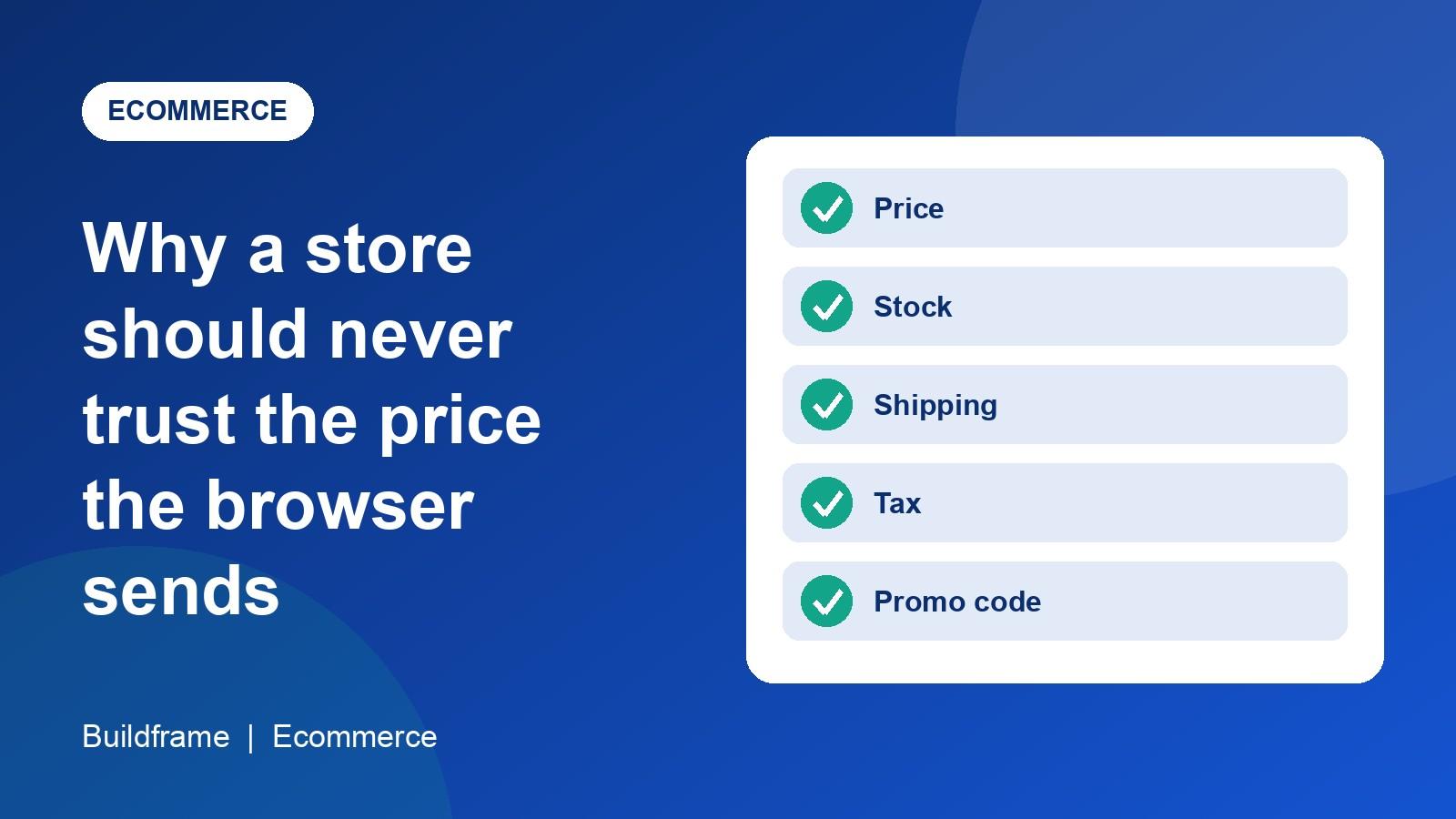
For every order, the server should work out the figures itself from its own data and ignore any figure the browser claims. That means checking five things.
Prices. Look up each item and use the price in your catalogue today, including any sale price that is active right now.
Stock. Confirm each item is still available in the quantity asked for. If it is not, refuse the order with a clear message instead of taking money for something you cannot ship.
Shipping. Work out the shipping fee from your own settings, such as a flat fee or a free shipping threshold, using the basket as the server sees it.
Tax. Apply the tax rule you have set, whether prices include tax or not, and a rate per product where you use one.
Promo codes. Check the code exists, is active, meets its minimum basket and has uses left. A code that worked in the browser a minute ago may have just run out.
The browser can show a total as a courtesy while the shopper is deciding. The total that counts is the one the server computes when the order is placed.
Why this matters more for a small store
A large retailer has people watching for odd orders. A small store usually does not. If a mispriced order is fulfilled, you find out when you reconcile the month, and by then the goods are gone.
There is also a quieter cost. When the total a shopper sees and the total they are charged ever disagree, they stop trusting the checkout. That is hard to win back.
A simple way to test your own store
You do not need to be a developer to ask the right questions. Try these.
Change a price, then use an old tab. Open a product in one tab, change its price in your back office, then add it to the basket from the old tab. The order should come out at the new price.
Reduce stock to one, then ask for two. Set an item's stock to one and try to order two. The store should refuse with a clear message.
Use a promo code that has run out. Set a code's usage limit to a number it has already reached and try it at checkout. It should be refused.
If any of these go through, the checkout is trusting the browser.
How Buildframe Ecommerce handles it
In Buildframe Ecommerce, prices, stock, shipping, tax and promo codes are re-checked on the server for every order. The browser never sends prices for the order to use, so what the shopper pays is what your store says. You can try the checkout on the open demo store before you sign up, and a 14-day free trial starts when you create your own store, with no card needed.
Frequently asked questions
Can a shopper still see the total before they pay?
Yes. The page can show a running total while the shopper decides. The figure that is charged is the one the server works out when the order is placed, so the two should match unless something changed in between, such as stock or a code running out.
What happens if an item sells out while someone is checking out?
The server checks stock when the order is placed. If the item is no longer available in that quantity, the order is refused with a clear message, instead of being taken and cancelled later.
Does this slow checkout down?
Looking up prices and stock for one basket is a small piece of work, and the shopper gains from it because the total they see at the end is the one they pay.