What a store app needs on day one, and what can wait
A first store app should do a few things well: browse, search, save, bag and checkout. Here is a short list of what shoppers need, and what can wait.
It is tempting to list every feature a shopping app could have and ask for all of them. Loyalty points, push notifications, live chat, offline mode, a dozen languages. The result is a long project and an app that does many things badly.
A first store app is better when it does a few things well. This post is a short list of what shoppers need on day one, and what can wait until you see how people use it.
Five places to be
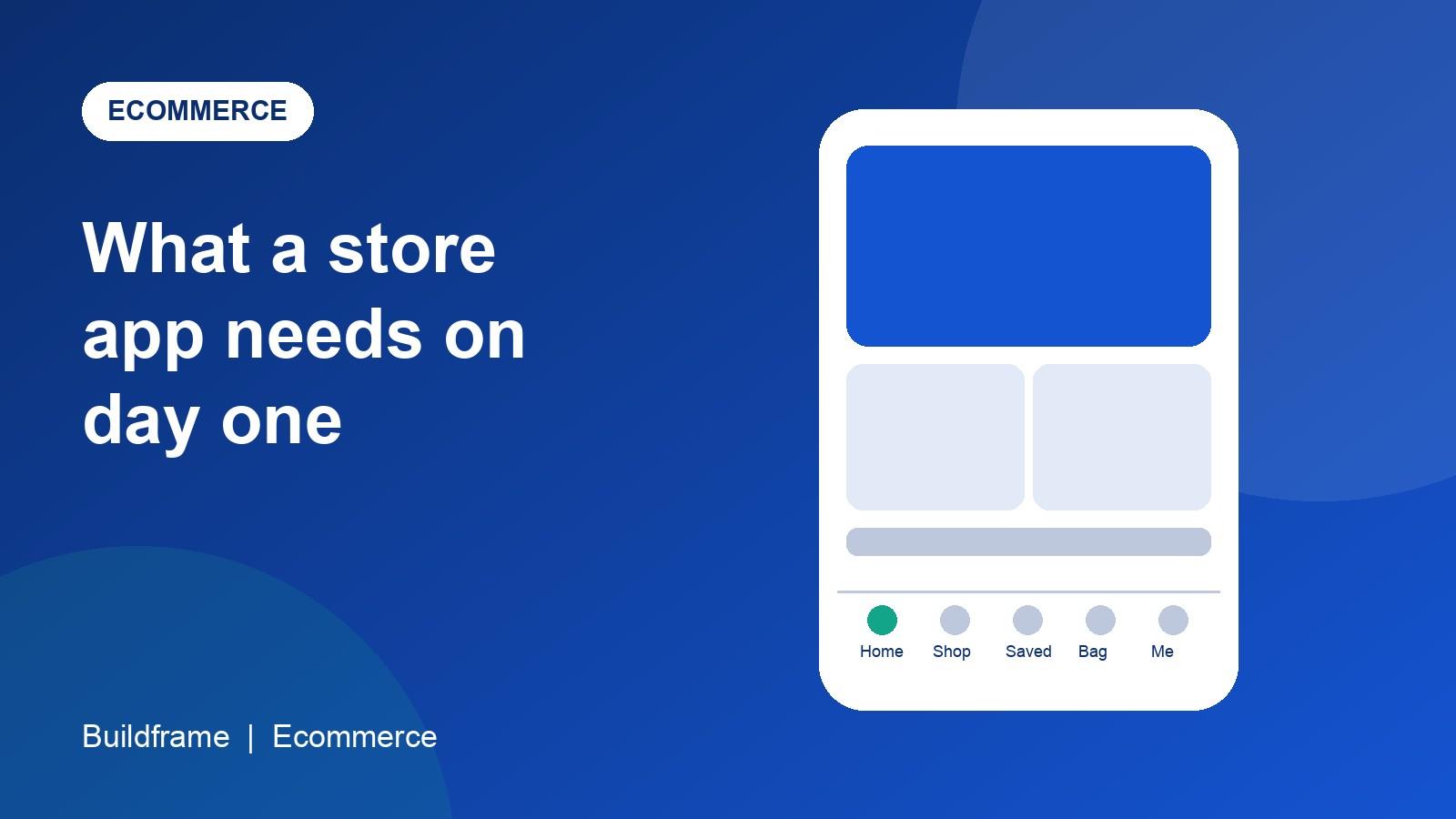
A shopper on a phone wants to move between a few places with one thumb. Five is enough.
Home. Your banners, offers and featured products. It should feel like the front of your shop.
Shop. The catalogue, with departments, filters and sorting, so people can browse without searching.
Saved. Items a shopper has set aside to think about.
Bag. What they are about to buy, with the total.
Account. Orders, addresses and details.
These are the five places in the Buildframe Ecommerce app: Home, Shop, Saved, Bag and Account. Anything beyond them should have to earn its place.
Search that answers quickly
On a small screen, typing is slower than on a computer, so search has to help. Suggestions as the shopper types, and results that include brands and categories as well as product names, save a lot of taps.
Saving items without an account
Many people save things long before they decide to buy. If saving requires an account, a lot of them will simply leave. Let a shopper save items straight away, and keep them when they do sign in later.
Checkout with no wall in front of it
The biggest reason a shopper abandons a bag is being asked to create an account first. Offer checkout as a guest, ask only for what you need to deliver the order, and let people sign in if they want their history.
Behind the screen, the price a shopper sees must be the price they pay. In Buildframe Ecommerce, prices, stock, shipping, tax and promo codes are re-checked on the server for every order, so the app and the website agree.
Signing in without a password
Passwords on a phone are a nuisance, and shoppers forget them. A sign in by a code sent to the shopper's email avoids both the forgetting and the storing. It is also one less thing for you to look after. Buildframe Ecommerce shoppers sign in this way, with no password to set.
Orders they can find again
After buying, the first thing a shopper wants is to find the order. A list of orders with their status, and the delivery address saved for next time, answers most of the questions you would otherwise get by message.
Feel like a phone app
Small things make an app feel at home. It should follow the phone's light or dark setting, buttons should be easy to tap with a thumb, and a screen should never trap someone without a way back. These are not features to list on a page, but shoppers notice when they are missing.
What can wait
Plenty of good ideas can wait for the second version, once you have seen real use. Push notifications, loyalty schemes, other languages and offline browsing are all worth considering, and each adds work for you to maintain. Ask which one your shoppers have actually asked for, and add that one.
How Buildframe Ecommerce handles it
Buildframe Ecommerce is a finished store with a web storefront and a back office on one database. Native iOS and Android apps for your store, with Home, Shop, Saved, Bag and Account, are available on request, published under your brand on your own Google Play and App Store accounts, as a one time add-on beside your plan.
Every feature is on every plan, and a 14-day free trial starts when you sign up, with no card needed. The demo store is open to anyone.
Frequently asked questions
Will the app show the same prices as the website?
Yes. Prices, stock, shipping, tax and promo codes are worked out on the server for every order, so what the shopper pays is what your store says, in the app or on the website.
Do shoppers have to create an account to buy?
No. Guests can check out, and signing in is there for people who want to see their orders and saved items.
Do I need push notifications on day one?
Usually not. They are useful once you have shoppers who come back, and they need care so they do not become annoying. Start without them and add them if your customers ask.