A ten minute morning check for an online store owner
Most store problems are cheap to fix if you see them early. Here is a short daily routine for orders, stock and revenue, and what each number is telling you.
Running an online store is mostly small decisions made on time. An order that has been sitting for two days, a bestseller with three units left, a week that looks slower than the last: each is easy to deal with when you notice it and expensive when you do not.
A short routine at the start of the day catches most of them. This one takes about ten minutes and uses only the numbers a back office should already show you.
Start with what needs attention
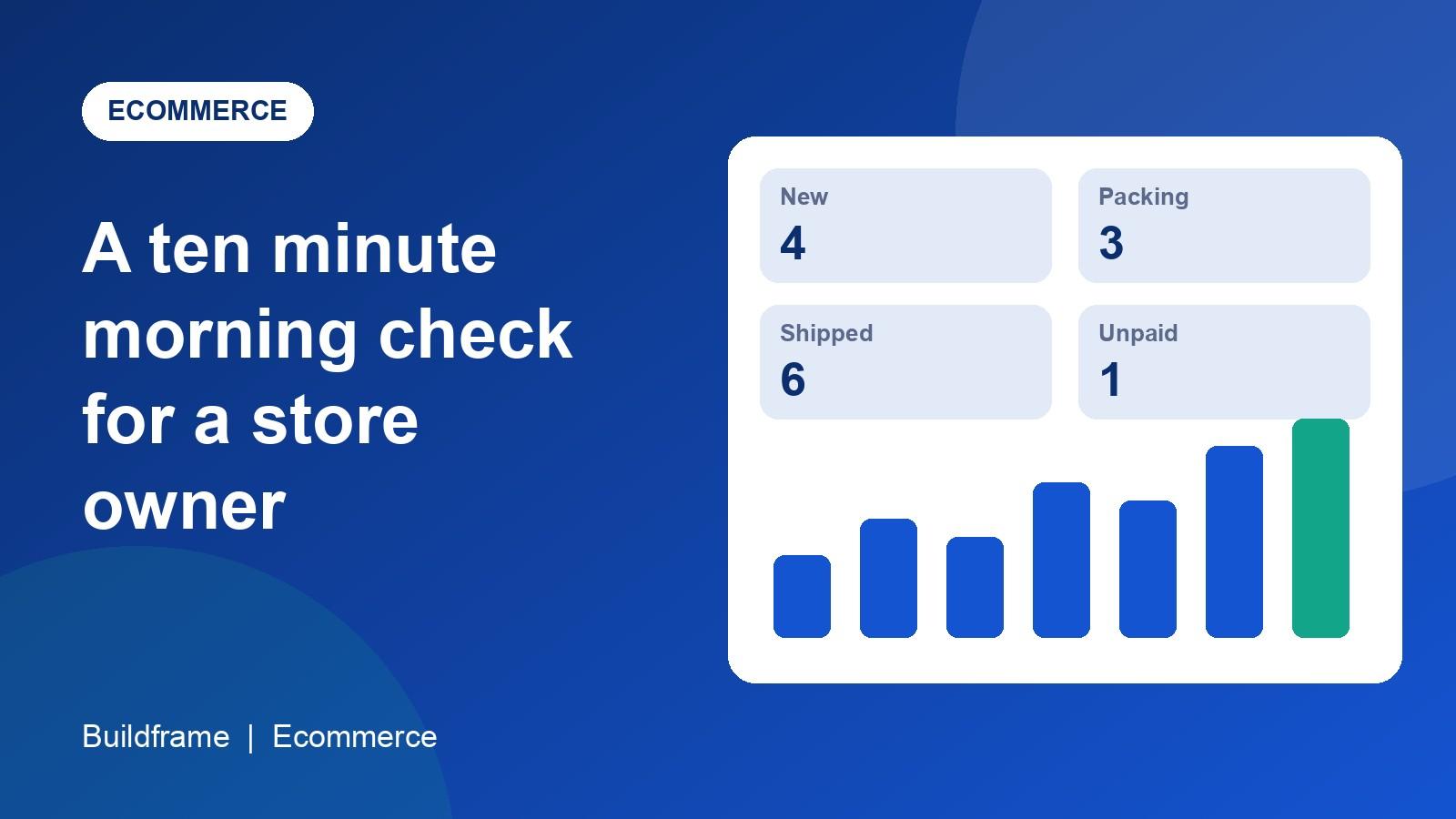
Before looking at any chart, look at the orders that are waiting on you. Group them by where they are stuck.
New orders. These have been placed and nobody has started on them. Anything here from yesterday deserves a look first, because the customer is already waiting.
Being prepared. Orders you have started but not shipped. If the same ones appear two mornings in a row, something is blocking them, often stock or packing.
On their way. Shipped but not delivered. You are not acting on these, but a long list that does not shrink is a sign to chase the courier.
Not paid. Orders that exist but have no payment. For cash on delivery this can be normal. For online payment it is worth knowing why.
The goal is not to clear everything every morning. It is to know which orders are older than they should be.
Check stock before it checks you
Next, look at what is running low. A store loses sales quietly when a popular item sells out and nobody reorders in time, because the customer simply buys elsewhere.
Look at the products with the fewest units left, and ask two questions about each. How fast is it selling, and how long does it take to get more? If the answer to the second is longer than the stock will last at the answer to the first, reorder today.
A low stock list is also a prompt to check the opposite problem. An item showing plenty of stock that has not sold for a long time is money sitting on a shelf.
Read revenue against the period before
A revenue figure on its own tells you little. Seven days of revenue means something only beside the seven days before it.
Look at four numbers together: revenue, number of orders, average order value and new customers. Then ask which one moved.
Revenue down, orders flat. Customers are spending less per order. Check whether a sale ended or a popular item sold out.
Revenue flat, orders up. Customers are buying more often but spending less each time. That can be healthy, or it can be heavy discounting.
Revenue down, new customers down. Fewer people are arriving. That is a question about marketing, not about the store.
Pick one period and stay with it, so you are comparing like with like. Daily revenue bars are useful for spotting a single bad day, such as a payment problem or a page that stopped working.
Look at what is selling
Your top products tell you where the money really comes from, which is often not where you expect. If three products carry most of your revenue, those are the ones to keep in stock, photograph well and never let run out.
Close with one decision
End the check by writing down one thing to act on today. It might be chasing an old order, reordering one product or pausing a promotion that is eating margin. A routine that ends in a decision gets used. A routine that ends in a feeling of being informed fades after a week.
What the back office should do for you
None of this needs a large analytics tool. It needs a back office that puts the numbers on one screen, compares them with the previous period, and lets you act without hunting for them. The Buildframe Ecommerce back office shows revenue, orders, average order value and new customers for the last 7, 30 or 90 days with a comparison against the period before, along with what needs attention, top products, products running low and the latest orders. Lists can be exported to CSV when you want them in a spreadsheet.
There is an open demo store you can look at before signing up, and a 14-day free trial with no card needed.
Frequently asked questions
How often should I check the numbers?
A short look every morning is enough for orders and stock. Revenue trends are better read weekly, because a single day is noisy.
Which period should I compare?
Use the same length of period each time and compare it with the one just before. A 30 day view against the previous 30 days is a good default for a steady store.
What if I only get a few orders a day?
The routine still works, and it is quicker. With few orders, each one matters more, so an order that sits for two days is a bigger share of your week.