Keep a daily log of your LinkedIn outreach and engagement
Connection requests, messages and comments leave no numbers you can export later. A short daily log, kept per client, is the only way to see which outreach habits actually lead somewhere.
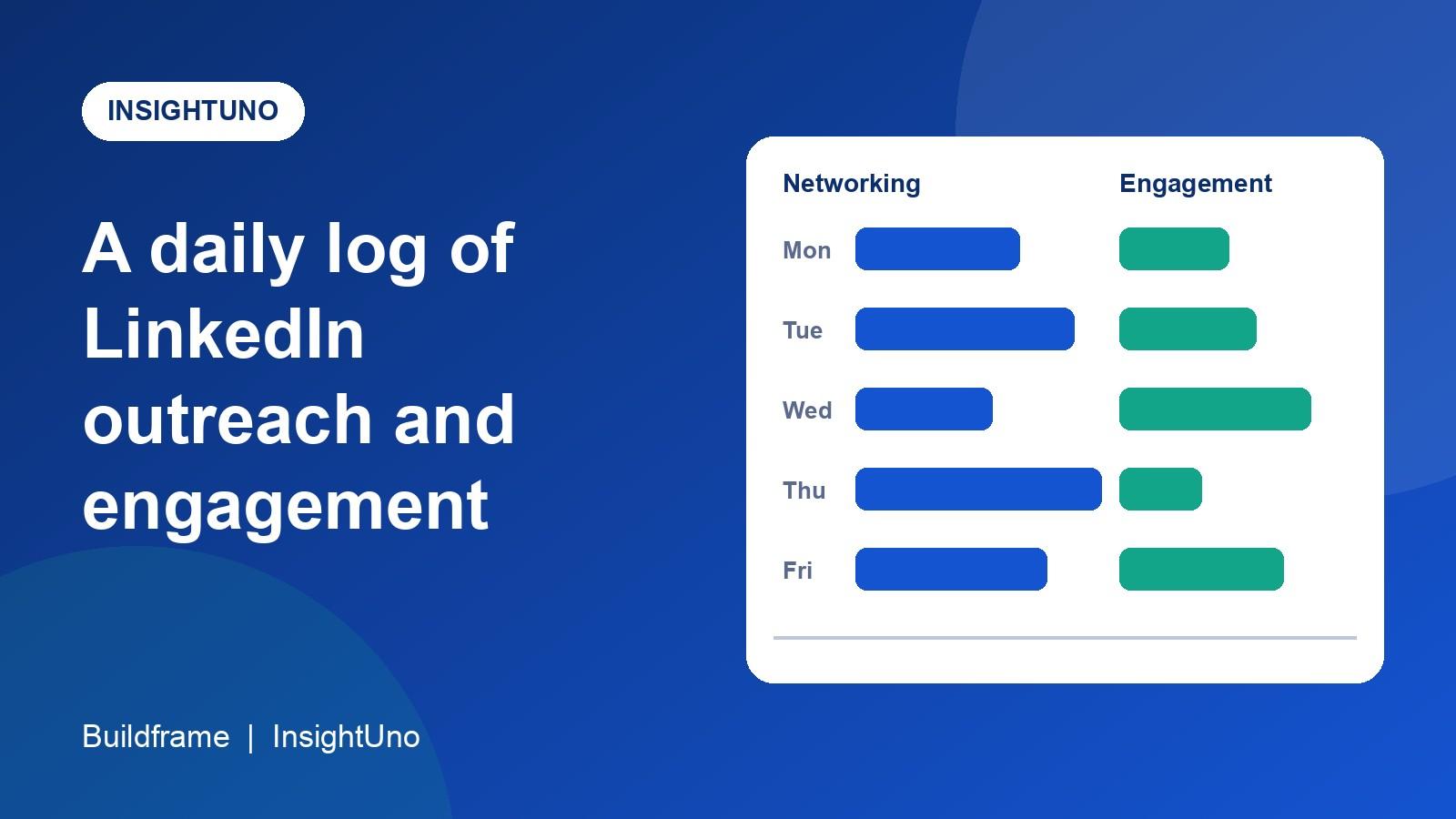
Post analytics are easy to find. Outreach is not. Nobody exports a list of the connection requests you sent last Tuesday, the messages that got a reply, or the comments you left on other people's posts. That work happens on LinkedIn and then vanishes into your activity feed.
If you grow a profile for yourself or for clients, that invisible work is often the bigger part of the job. This post shows a small log that makes it visible, and how to read it after a few weeks.
Why this work disappears
A post has a link and a set of numbers. A connection request has neither. It is a quiet action, and the result, if there is one, arrives days later as an accepted request or a reply in your inbox.
Without a record you cannot answer simple questions. Did the new opening message change how many people reply? Did a week of daily commenting bring more profile visits? Did you do any outreach at all in the week the client asked why nothing was moving?
What to log
Two kinds of activity, kept apart because they behave differently.
Networking, which is reaching out to people:
Connection requests sent
Messages sent
Replies received
Calls or meetings that came out of it
Engagement, which is taking part in other people's content:
Comments you wrote, with the link to the post
Posts you reacted to or reposted
Replies you gave to comments on your own posts
Log counts per day and per client, plus a line of notes when something is worth remembering. You do not need one row per person. A daily total with a short note is enough to see a pattern, and it takes under a minute to write.
Keep one log per client
If you work for more than one client, keep their logs separate from the first day. A single combined sheet looks tidy until a client asks what you did for them last month, and you have to untangle it.
Each log should answer the same three questions: what was done, on which day, and for whom. Add who did it as soon as a second person joins the team.
Read it once a week
Logging is only useful if you look back. Once a week, spend five minutes on three checks:
Did it happen? Compare the days you planned outreach with the days you logged. Gaps are the first finding, and the easiest to fix.
What came back? Put replies and meetings next to what you sent. Do not chase a fixed percentage. Compare this month with your own last month.
What changed? If you tried a new message or a new routine, note the date. A change only teaches you something if you wrote down when it started.
Be careful about conclusions. A few weeks of small numbers is a hint, not proof. Keep logging, and let the hints repeat before you rebuild your approach around one.
Pair the log with tasks
Outreach slips when it lives in your head. Turn it into a repeating task with an owner and a day, and tick it off when the log entry exists. The task keeps the habit going, and the log keeps the evidence.
In InsightUno, Networking and Engagement are two logs kept per client, with tasks beside them and a weekly view of what was done. A spreadsheet works as well to begin with: one tab per client, one row per day.
Frequently asked questions
Do I need to log every single message?
No. Log a daily count and a note. The aim is a pattern you can read in a few minutes, not a diary.
How long before the log tells me anything?
Plan on at least four weeks of regular entries before you compare anything. Shorter spans are too noisy to trust.
Should I log outreach I do from my personal profile and from a company page separately?
Yes, if they are different assets or different clients. A company page and a founder's profile behave differently, and a blended number hides which one is working.