A LinkedIn content pipeline that fits on one board
Posts go missing between idea and publish when nobody can see where each one is stuck. A board with a handful of named stages, one owner per card and a planned date fixes most of it.
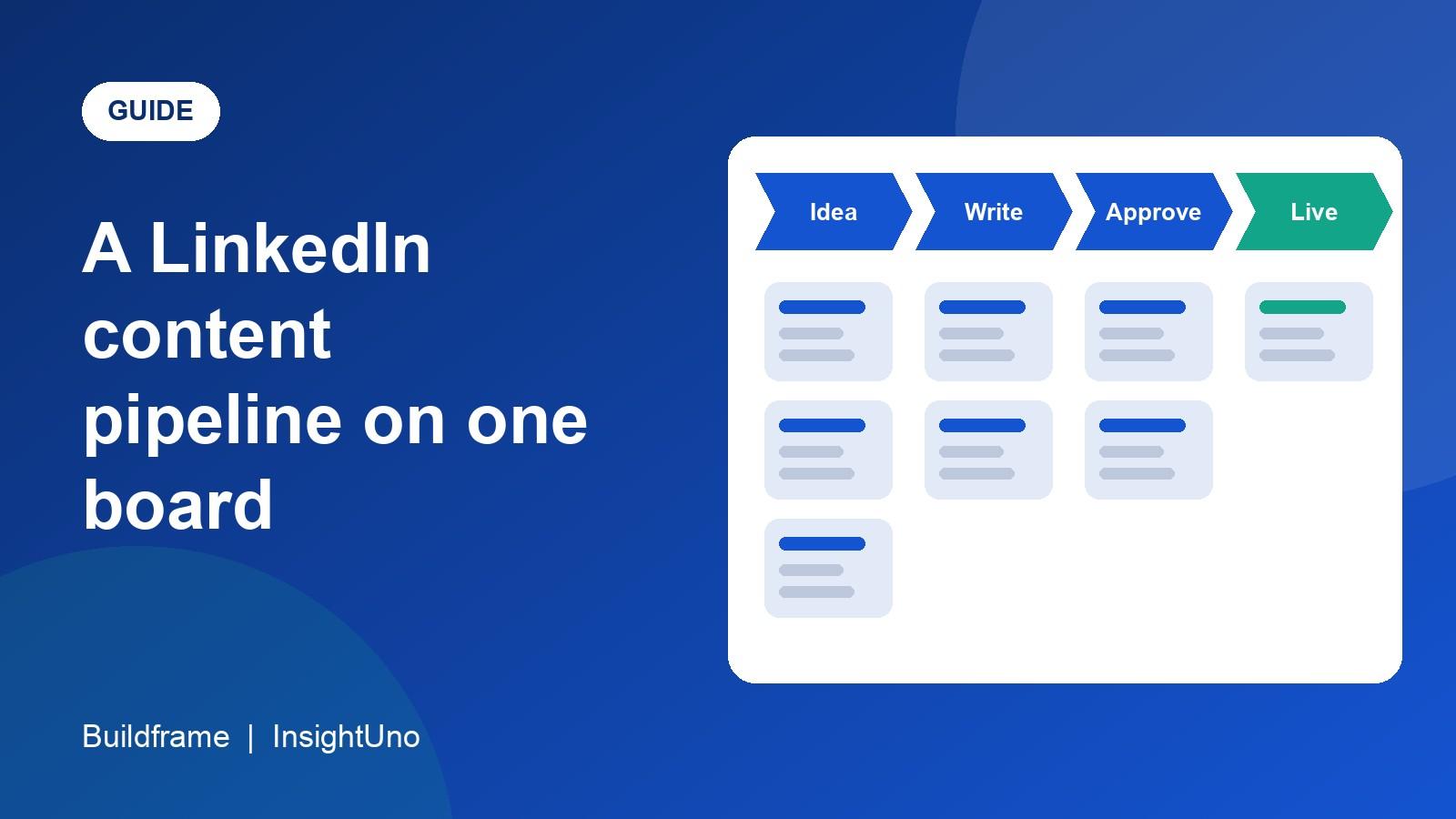
Most missed posts are not missed because nobody had ideas. They are missed because a half-written draft sat in someone's notes, a design never got requested, or the client never saw the final version. Each piece was somewhere, and nobody could see where.
A simple board makes that visible. This post covers how to set one up for LinkedIn content, how many stages to use, and what to record at each step so the next person never has to ask.
One card per post
Treat every planned post as a card. The card holds what you need to finish it: a working title, which client or profile it is for, the format (text, carousel, document, video or poll), the planned date, the writer, the reviewer, and the draft text itself.
Putting the draft on the card matters. A card that only holds a title forces people to hunt for the real text in another tool, and the board stops being the source of truth.
Name stages by who holds the card
A stage should tell you whose move it is. That is why short names such as these work well:
Idea: captured, not yet agreed.
Topic approval: waiting for a yes on the angle before anyone writes.
Writing: a writer has it.
Review: a second person is checking it.
Design: waiting for a graphic, carousel or document.
Client approval: with the client for sign-off.
Schedule: approved, with a date set.
Publish: live, with the link recorded.
You do not need all eight. A founder posting for themselves may only need Idea, Writing, Schedule and Publish. An agency with client sign-off needs approval stages because that is where delays pile up. Start with fewer than you think, and add a stage only when work keeps getting stuck in a gap the existing ones do not describe.
Record approval like a decision
When a client approves a post, write down who approved it, how (email, a call, a message), and on what date. This takes ten seconds and ends the most common argument in agency work, which is whether something was ever approved.
If your client does not log into any tool, someone on your team records the approval for them. That is fine, as long as the record exists.
Give every card a date and one owner
Two fields prevent most slippage. A planned date lets you see the week ahead on a calendar. A single owner means someone is responsible for the next move. Cards with a team as the owner tend to wait for each other.
Use a calendar for the week, a board for the work
The board answers "what is stuck?". The calendar answers "what goes out this week, and is it ready?". Use both. If something is due on Thursday and still sits in Writing on Tuesday, you want to see that on Tuesday.
Keep the post link when it goes live
When a card reaches Publish, paste the live link into it. That ties the plan to the result, so when you later look at how a post performed, you can see the idea, the draft, who approved it and the numbers in one place.
A short routine
Once a week, move every card that has changed.
Clear anything stuck in a stage for longer than you expect.
Look at the calendar for the next ten days and check each card is ready.
Add new ideas, even rough ones, so the next week starts full.
InsightUno's content pipeline follows this shape: cards on a board, a list and a calendar, with stages each organisation can set up for its own flow, and approval recorded with who, how and when. The same routine works on a paper board or a spreadsheet if that is where you start.
Frequently asked questions
How many stages should I use?
As few as keep work from getting lost. Four is enough for a solo founder. Add approval stages only when sign-off by someone else is part of your process.
Should drafts live on the card or in a document?
On the card where you can, so the board shows the real text. If a draft is too long or needs shared editing, link to the document from the card.
What if my client never replies?
Record the date you sent it for approval. A visible date turns "they have not replied" into a fact you can raise politely, and it shows when a post can no longer go out on its planned day.