How to choose an online store plan when every feature is included
When every feature is on every plan, the choice comes down to size. Here is how to count your products and team members to pick the right plan.
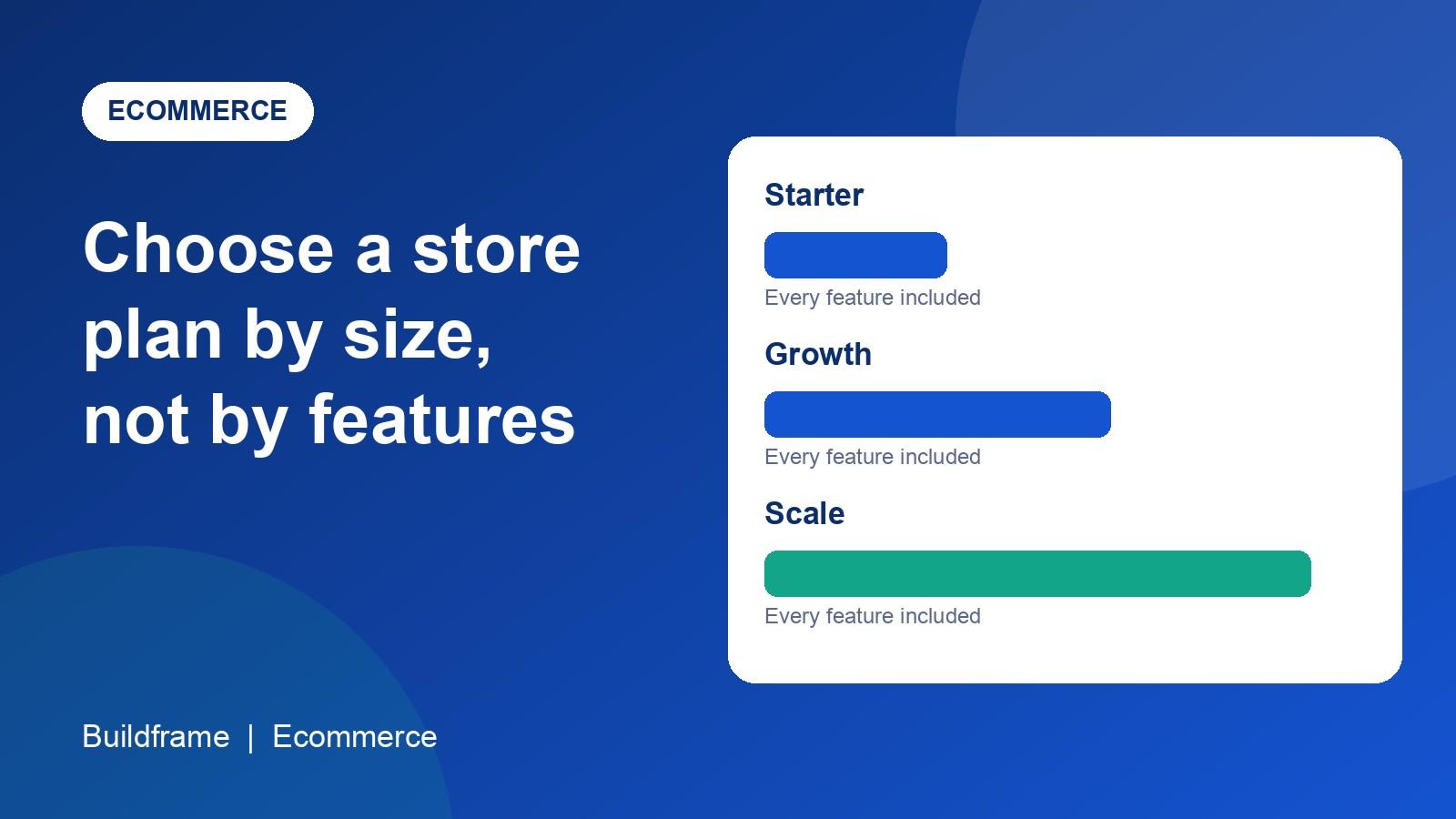
Look at the pricing page of most store software and you will see a table of features with ticks and crosses. The cheaper plan leaves something out. Often it is the very thing you assumed was included, and you find out when you need it.
Some products take a different approach: every feature is on every plan, and the plans differ only in how much you can have. That makes the choice simpler, but it still needs a little counting. This post shows what to count.
What changes between plans
When features are the same everywhere, the limits that remain are about size. In Buildframe Ecommerce there are two: how many products the store can hold, and how many team members can sign in to the back office.
The current plans are Starter at ₹2,999 a month for up to 100 products and 2 team members, Growth at ₹4,999 a month for up to 500 products and 5 team members, and Scale at ₹7,999 a month for up to 2,000 products and 15 team members. Check the product page for the live prices before you decide, since they are read from the platform catalogue.
Count your products honestly
Start with a number, not a feeling. Open your stock sheet, or the shelf, and count the items you would put on the store on the first day.
Then decide what counts as a product. If you sell a shirt in three colours, how you set it up matters. Where each colour is its own product, it uses three of your places. Where one product carries the colours as an option, it uses one. Ask how your store handles this before you count.
Next, add a margin for growth. If you plan to add a range in the next six months, count that too. It is better not to be surprised by a limit in the first quarter.
Archived products are a useful detail to check. A product you have retired should not need to count against your limit forever, so confirm how your plan treats them.
Count the people who need to sign in
The second limit is team members. Count everyone who will use the back office, and be specific about what each of them does.
The owner. Always one.
Whoever packs and ships. Often a different person from the owner, and they need to see orders but may not need anything else.
Whoever updates the catalogue. Adding products, changing prices and editing stock.
An accountant or adviser. Someone who only needs to read orders and exports occasionally.
A small shop run by two people fits Starter. A shop with a packer, a catalogue person and an owner is already at three.
Think about roles too, not only headcount. Giving everyone full access is easy, but people who only need to look at orders are safer with a role that lets them look and not change.
Start with the plan you can fill
A common mistake is buying the largest plan to avoid thinking about it. Because every feature is available on every plan, there is nothing extra to unlock by paying more. You pay for room.
So choose the plan that fits what you will have in the next few months, and ask for a bigger one when you outgrow it. That keeps the monthly cost matched to the size of the store.
Use the trial to test the count
A 14-day free trial starts when you sign up, and no card is needed. Use it for the counting exercise. Load a realistic part of your catalogue, invite the people who will really use it, and see whether the limits feel comfortable.
If you want to see the store from a shopper's side first, the demo store is open to anyone with no account.
Frequently asked questions
If every feature is on every plan, why would anyone pick a bigger one?
Size. A bigger plan holds more products and lets more team members sign in. A store with a small catalogue and one or two people has no reason to pay for more room.
Can I change plan later?
A larger plan exists for a store that outgrows its first one. Ask Buildframe when you get close to a limit, and the plan can be changed for your store.
Are the mobile apps part of the plan?
No. Native iOS and Android apps for your store are available on request, published to your own store accounts, as a one time add-on beside your plan.