A content approval workflow for LinkedIn agencies
Late posts and endless revision rounds usually come from an unclear approval process, not from slow people. Here is a simple workflow with named stages, a single owner for each, and a record of who approved what.
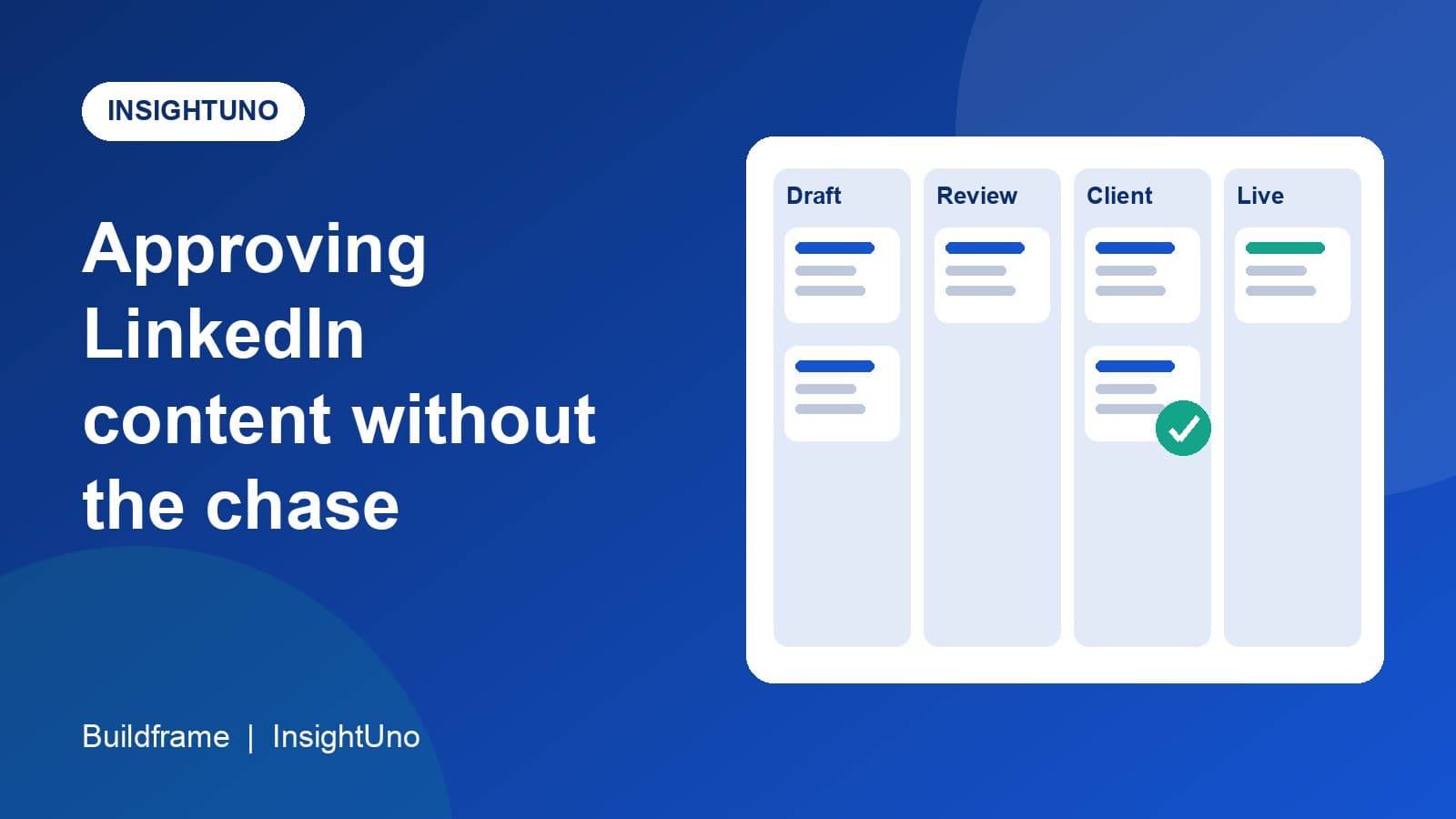
Posts go out late for the same reason in almost every agency. Nobody is sure whose turn it is. The writer thinks the post is with the client, the client thinks it is still with the designer, and a scheduled date quietly passes.
A good approval workflow does not make people faster. It makes it obvious whose turn it is, so waiting stops being invisible. This post lays out a workflow for LinkedIn content that works for a small agency and scales to a larger one.
Start with named stages
Give every piece of content one stage at a time, and use the same stage names for every client. A practical set:
| Stage | What happens | Who owns it |
|---|---|---|
| Idea | A topic is proposed and a rough angle noted | Strategist |
| Draft | The post is written | Writer |
| Internal review | A second person checks facts, tone and links | Editor |
| Design | A carousel, image or document is made, if needed | Designer |
| Client approval | The client reads the final version and approves or asks for changes | Account manager, with the client |
| Scheduled | The post has a date and time | Account manager |
| Published | The post is live and its link is saved | Whoever publishes |
You can rename these or add a stage. What matters is that the list is short, the same for everyone, and that each stage has one owner.
One owner per stage, and a due date
A stage with two owners has none. When a card moves into a stage, one named person is responsible for moving it out, and it has a due date. Most delays are invisible until a date is attached. The moment a card has an owner and a date, a late one stands out on its own.
Keep the client's part small
Clients are busy, and approval is the stage that stalls most often. Make it easy:
Send the post in its final form, as it will appear, not as a rough note.
Ask one clear question: approve, or tell us what to change.
Say by when you need an answer to keep the planned date.
Limit revision rounds. Agree at the start that there are two, and that more rounds can move the date.
What to do when the client goes quiet
Decide this before it happens, and tell the client. Common agreements are that a post is approved by default after a stated number of days, or that it moves to the next free slot. Either is better than a surprise. Whatever you choose, write it down in the working agreement so nobody feels ambushed.
Keep a record of who approved what
When something is published that the client did not expect, the first question is who approved it, and when. A simple record answers this in seconds: the date, the person and the version they saw. It protects the client as much as the agency, because it shows the client's own sign-off and keeps small disagreements from growing.
Give the whole team one view
The workflow is only as good as the view of it. Three views cover most needs:
A board with one column per stage, for seeing where everything is right now.
A calendar of planned dates, for seeing what goes out when and spotting gaps.
A list you can filter by client, writer or stage, for finding one specific post.
If these live in three different tools, they will disagree. It is worth keeping them in one place.
Where a tool helps
A shared document or a general task board can run this workflow for a small team. As the number of clients grows, the cost is in the details: stage names per client, who approved what, and filtering by client without opening ten boards. InsightUno includes a content board, calendar and list for LinkedIn content, with stages your organisation sets and an approval record, alongside the weekly numbers and reports for the same clients. The principles above apply whatever you choose.
Frequently asked questions
How many stages should a LinkedIn approval workflow have?
As few as work for you. Five to eight is typical. Every extra stage is another handoff where a post can wait.
How many revision rounds should a client get?
Two is a common agreement. State it at the start and say that further rounds may move the date.
Does every post need client approval?
Not always. Some agencies agree a set of low-risk post types that go out without sign-off. Decide it per client, and write it down.